

TAKE EōS FITNESS WITH YOU WHEREVER YOU GO
DOWNLOAD THE EōS FITNESS MOBILE APP
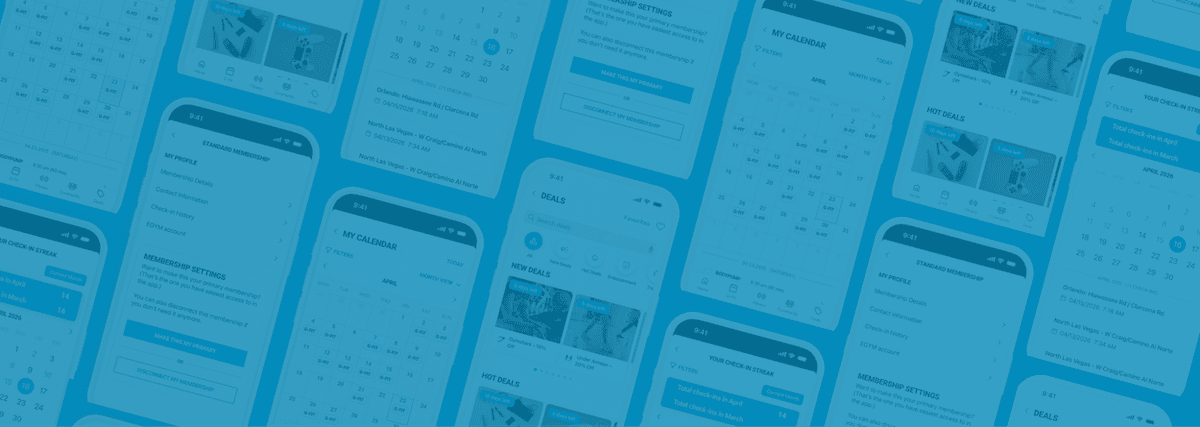
Download the free EōS mobile app to manage your membership, track your workouts, see class schedules, connect with friends and so much more. Available for both iOS and Android devices.


EōS MOBILE APP BENEFITS

- Check into EōS with the mobile app
- Manage your membership and billing
- View the group fitness class schedule and reserve your class
- Get EōS Fitness updates
- Track your workouts and set your goals
- Link your favorite fitness tracking device
- Connect on social media and refer friends
- Find other EōS locations
- Join EōS challenges for great prizes
HOW TO GET STARTED WITH THE EōS MOBILE APP
1
Download the EōS Fitness App


2
Create an Account
You’ll need your EōS barcode ID, found in your Membership Agreement. If you just joined online, you can also find it on the confirmation page or in your confirmation email.
3
Start Exploring
Check into the gym, book G-Fit classes, track workouts and get more out of every visit.
FREQUENTLY ASKED QUESTIONS
WHAT'S NEW?
The all-new EōS app delivers a faster, smoother experience. Enjoy quicker load times, improved performance across iOS and Android and direct access to G-Fit class booking, all in one place.